Keep the output that matters.
Tap Record before a build, a deploy, or a log check, then search the capture later and jump straight to the line you need. Manual Copy selects text from the shell or tmux history and copies it to the iOS clipboard.
SSH terminal / iPhone + iPad
 8BitsTerm
 is a native SSH terminal for iPhone and iPad, built around keeping the output that matters: record a session, search it later, and reuse what you found on any server you connect to.

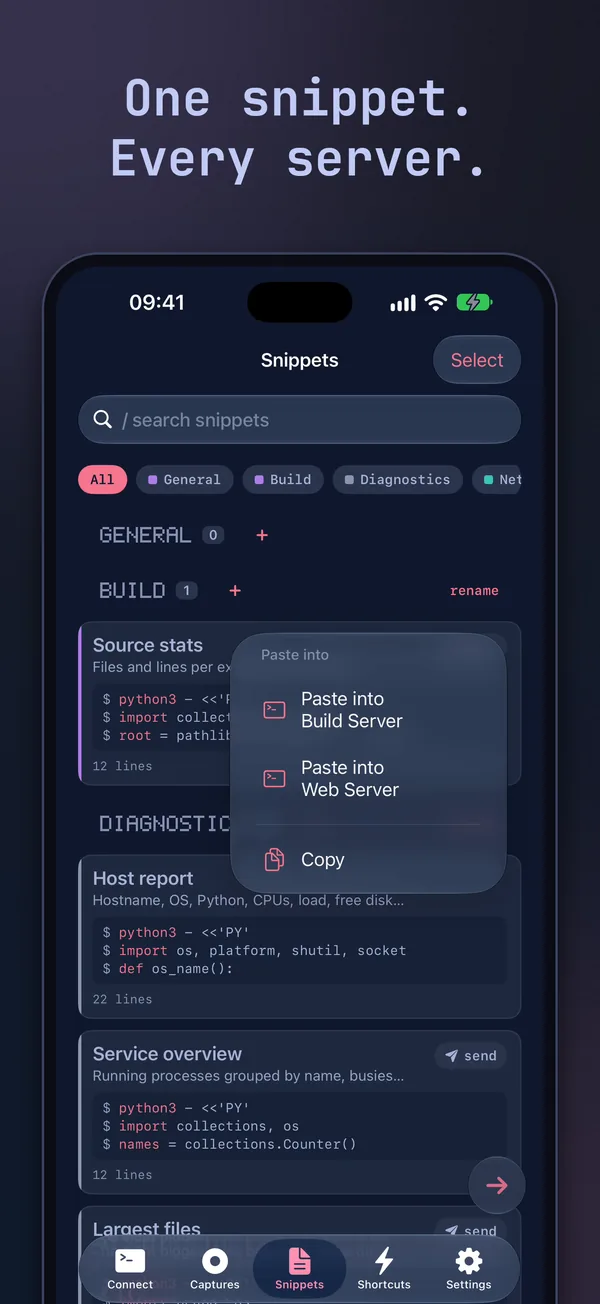
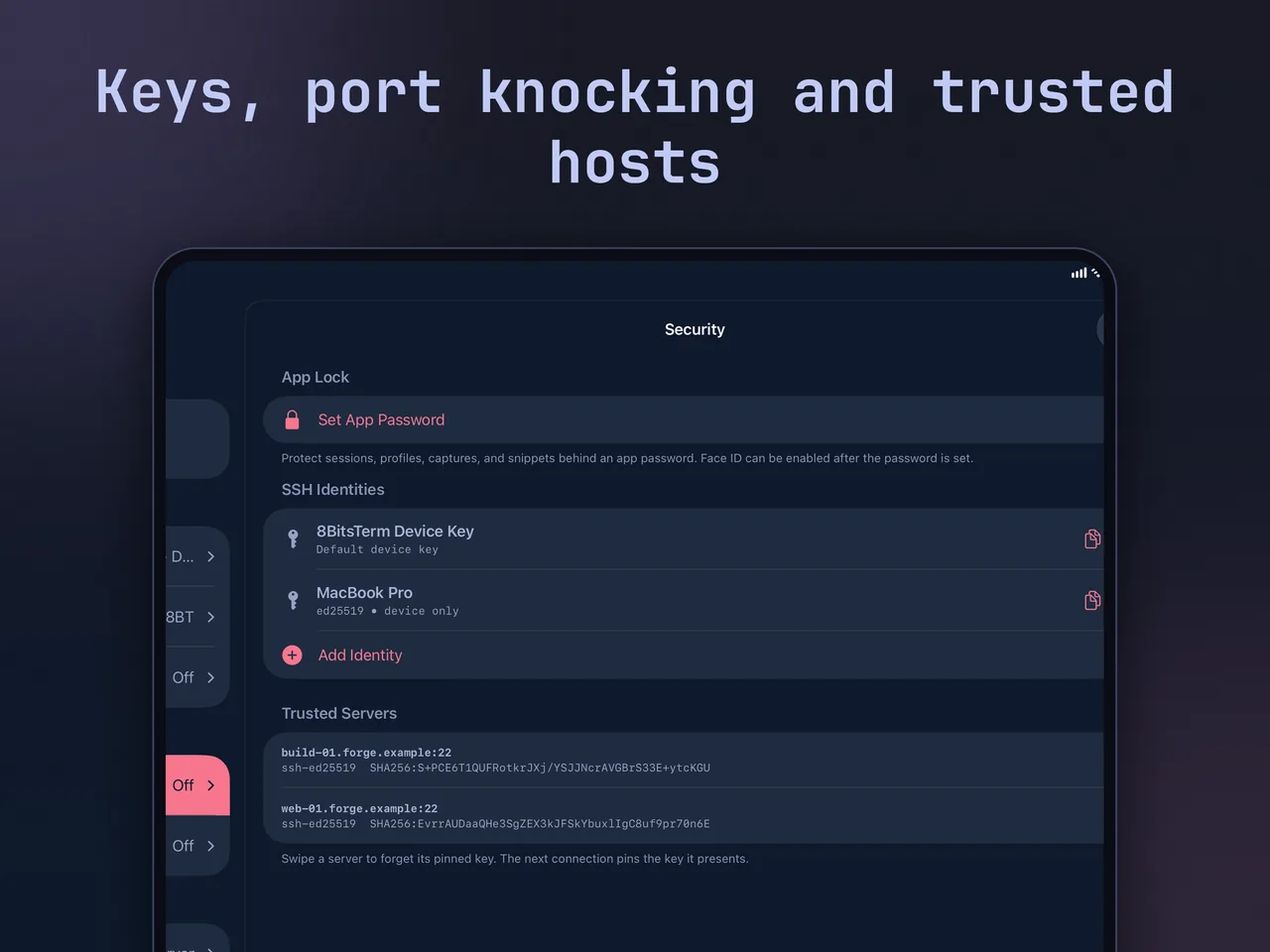
Screens from demo servers on iPhone and iPad: a build recorded and searched, a snippet ready for either connected server, tmux combos from the ⚡ key, and the keyboard and security settings that make it work.
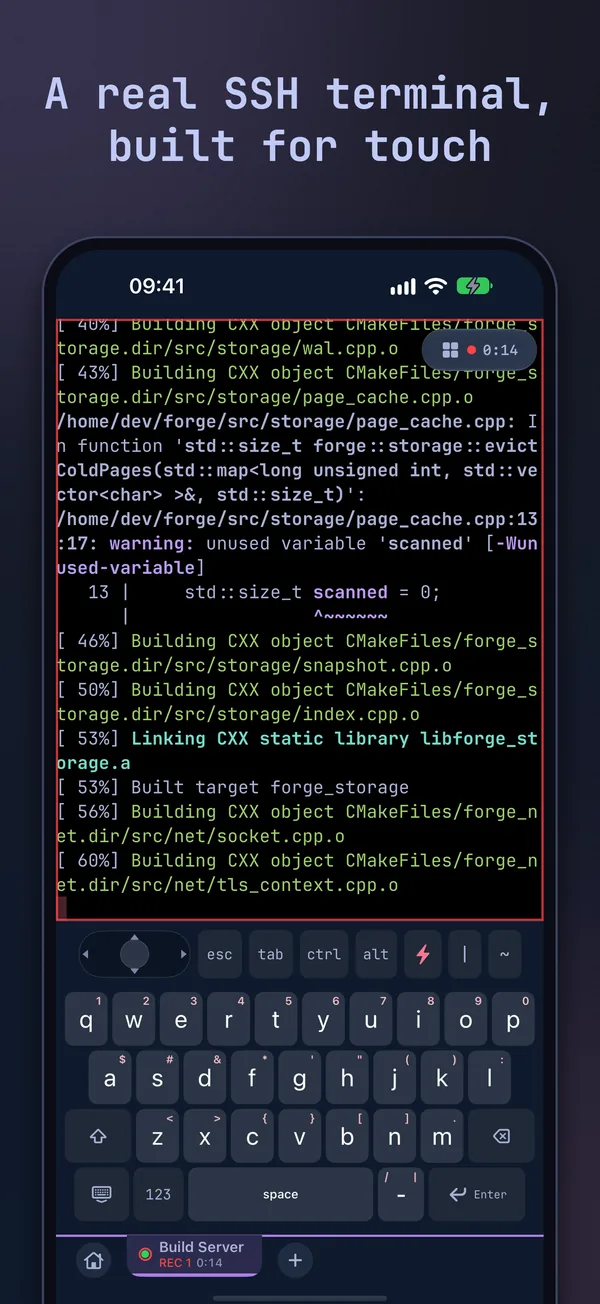
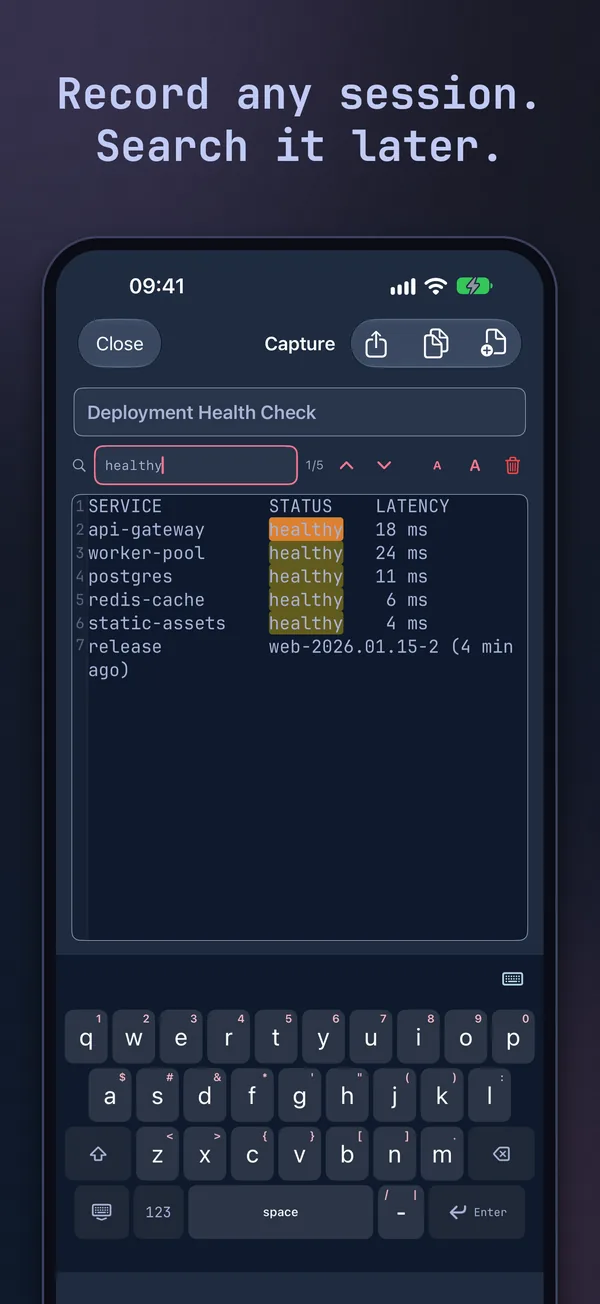
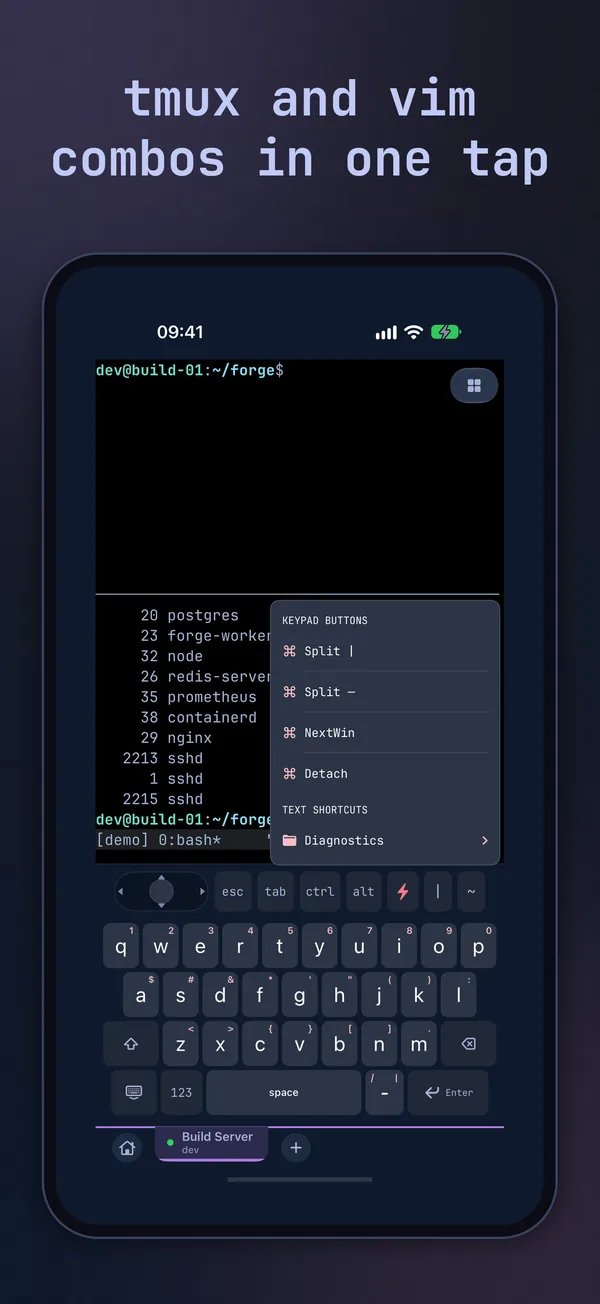
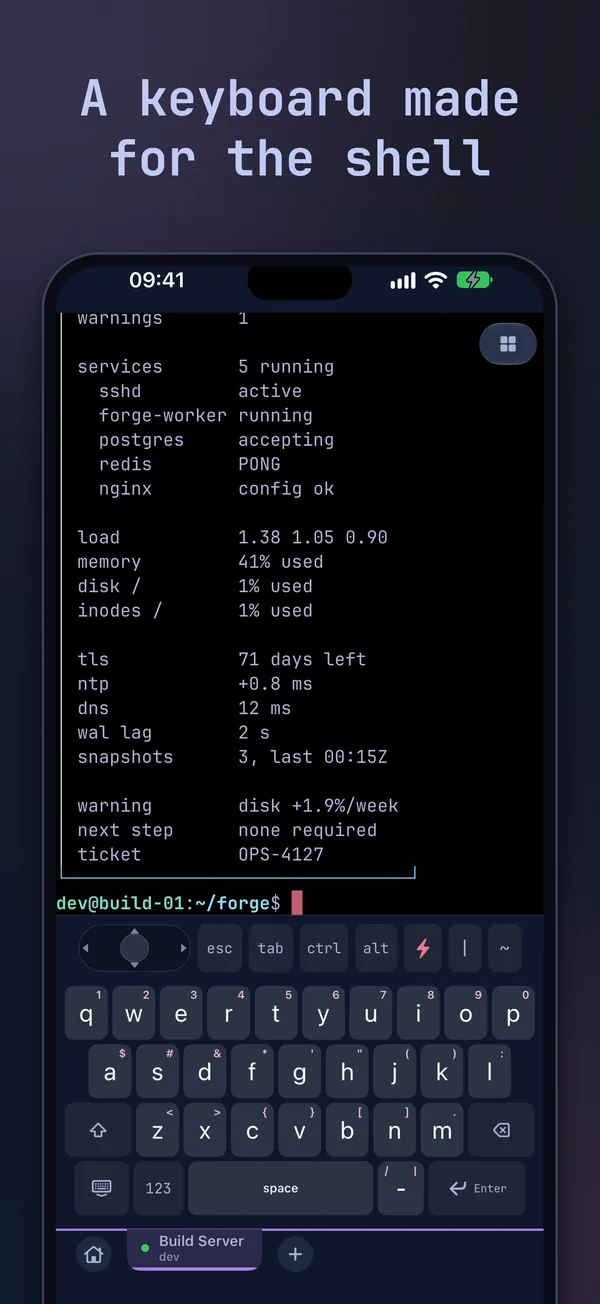
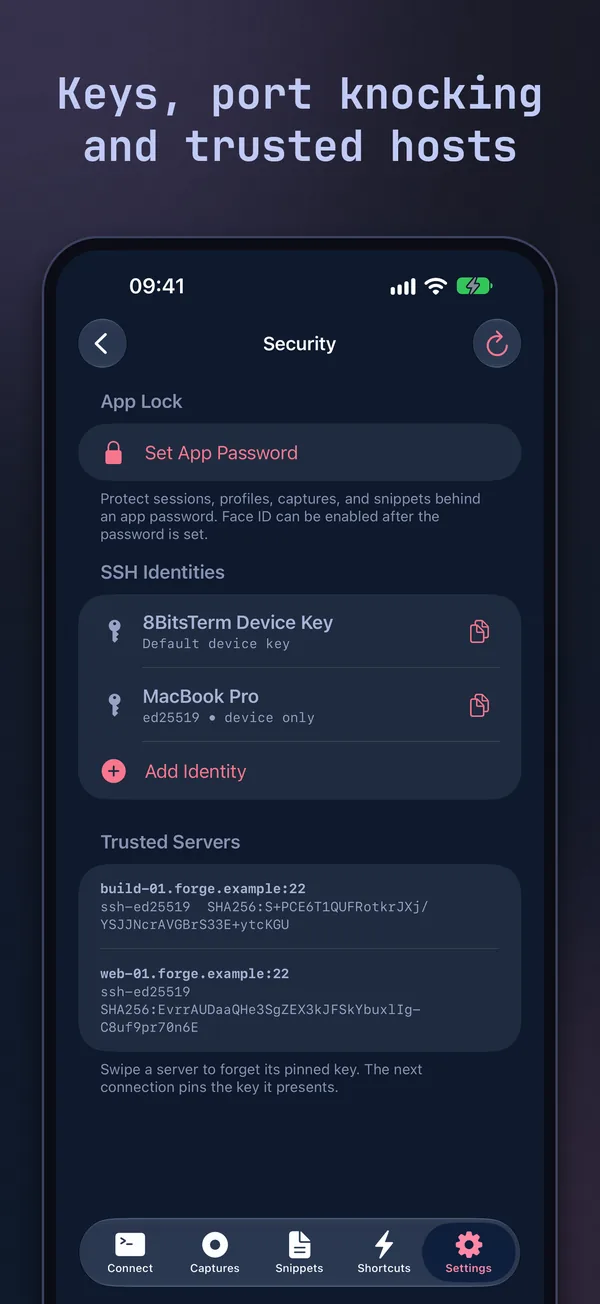
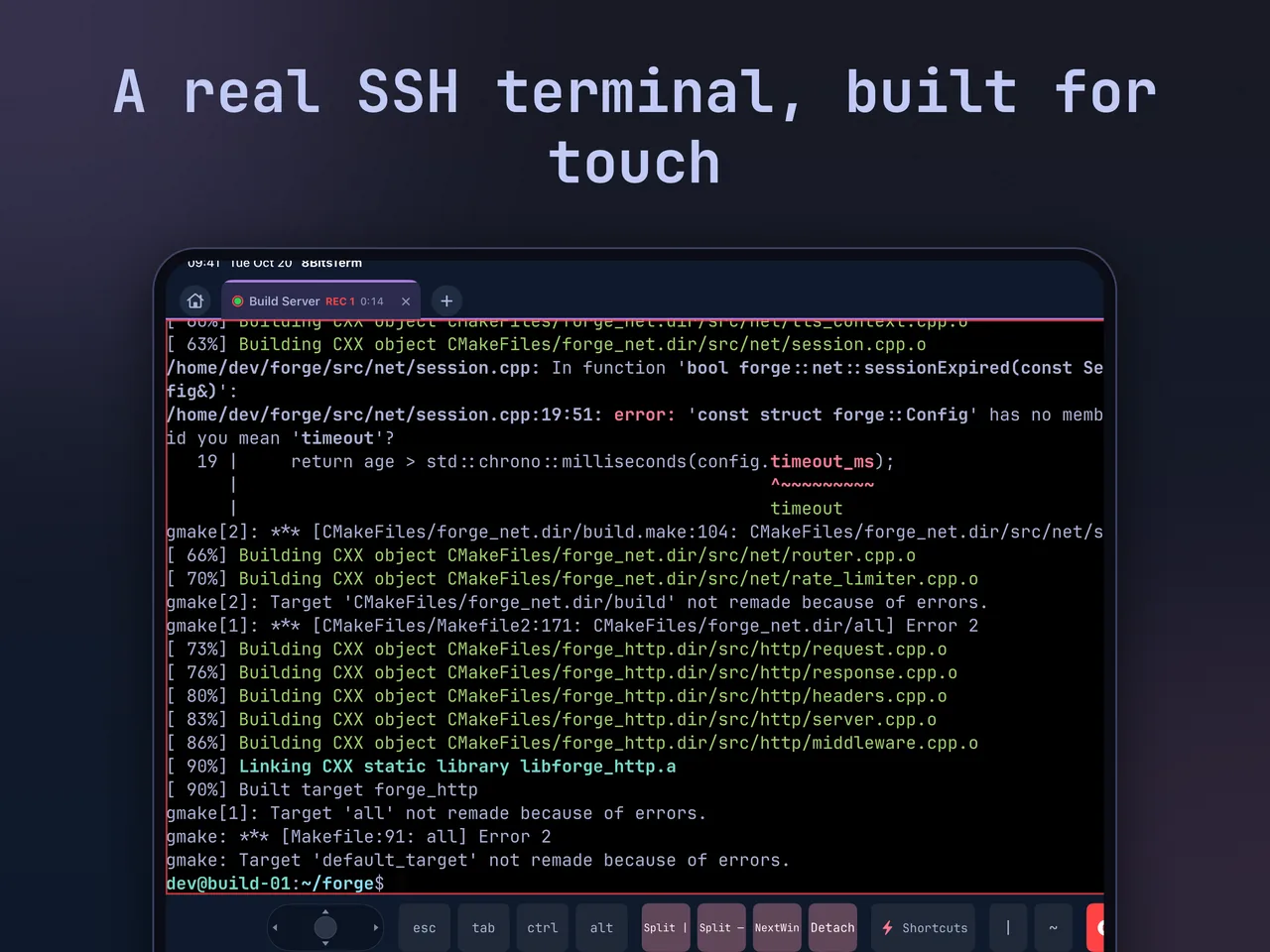
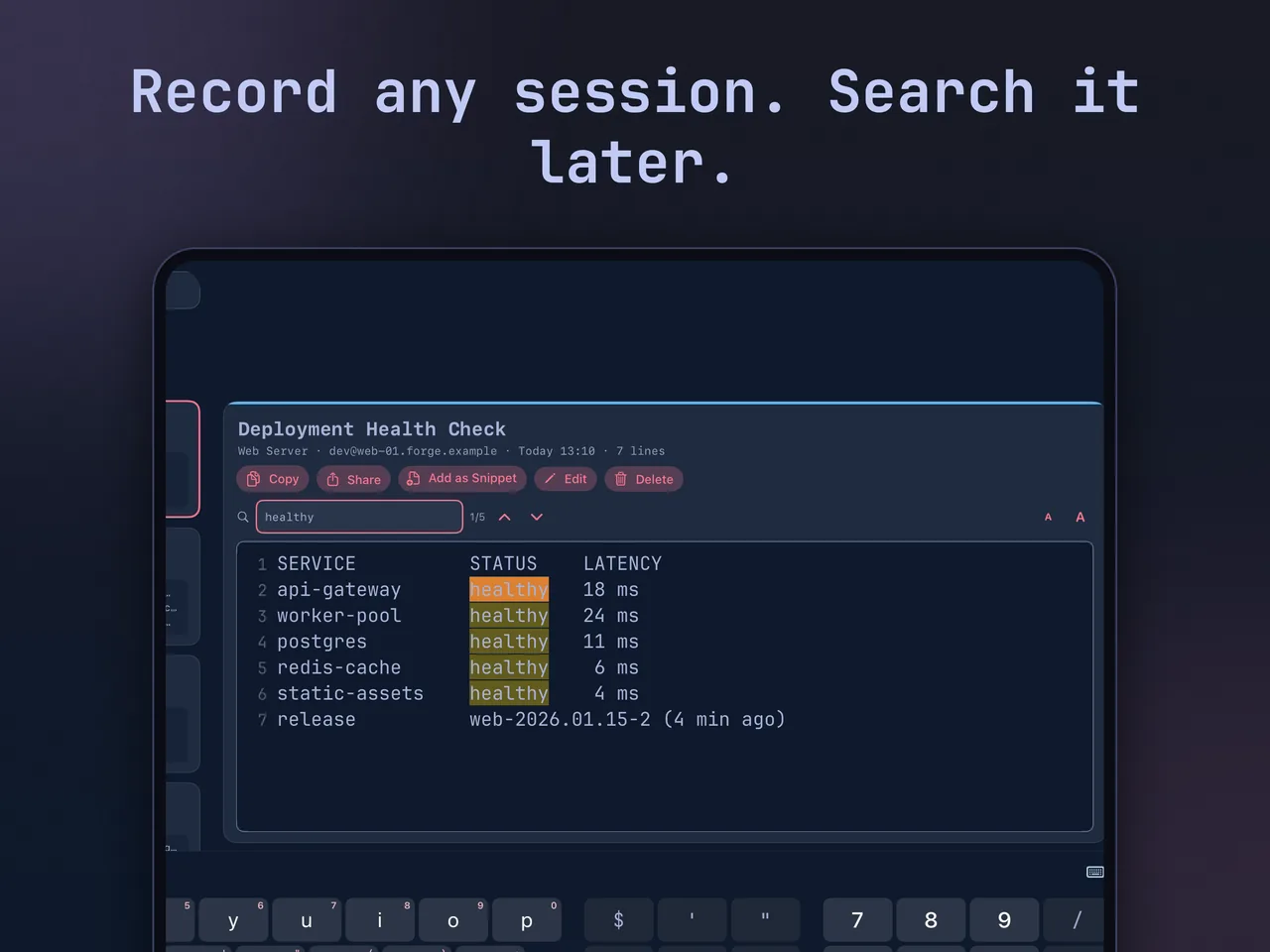
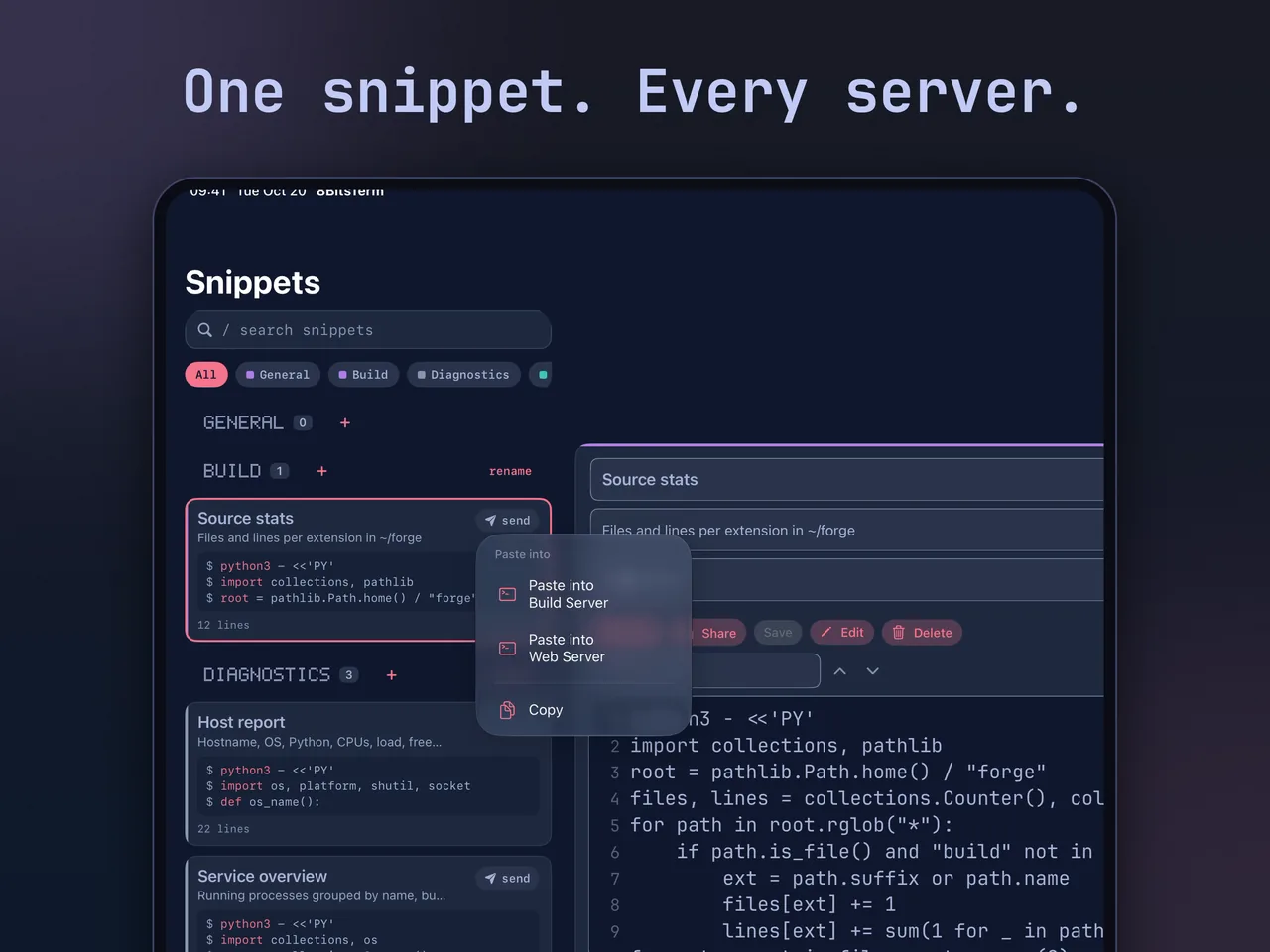
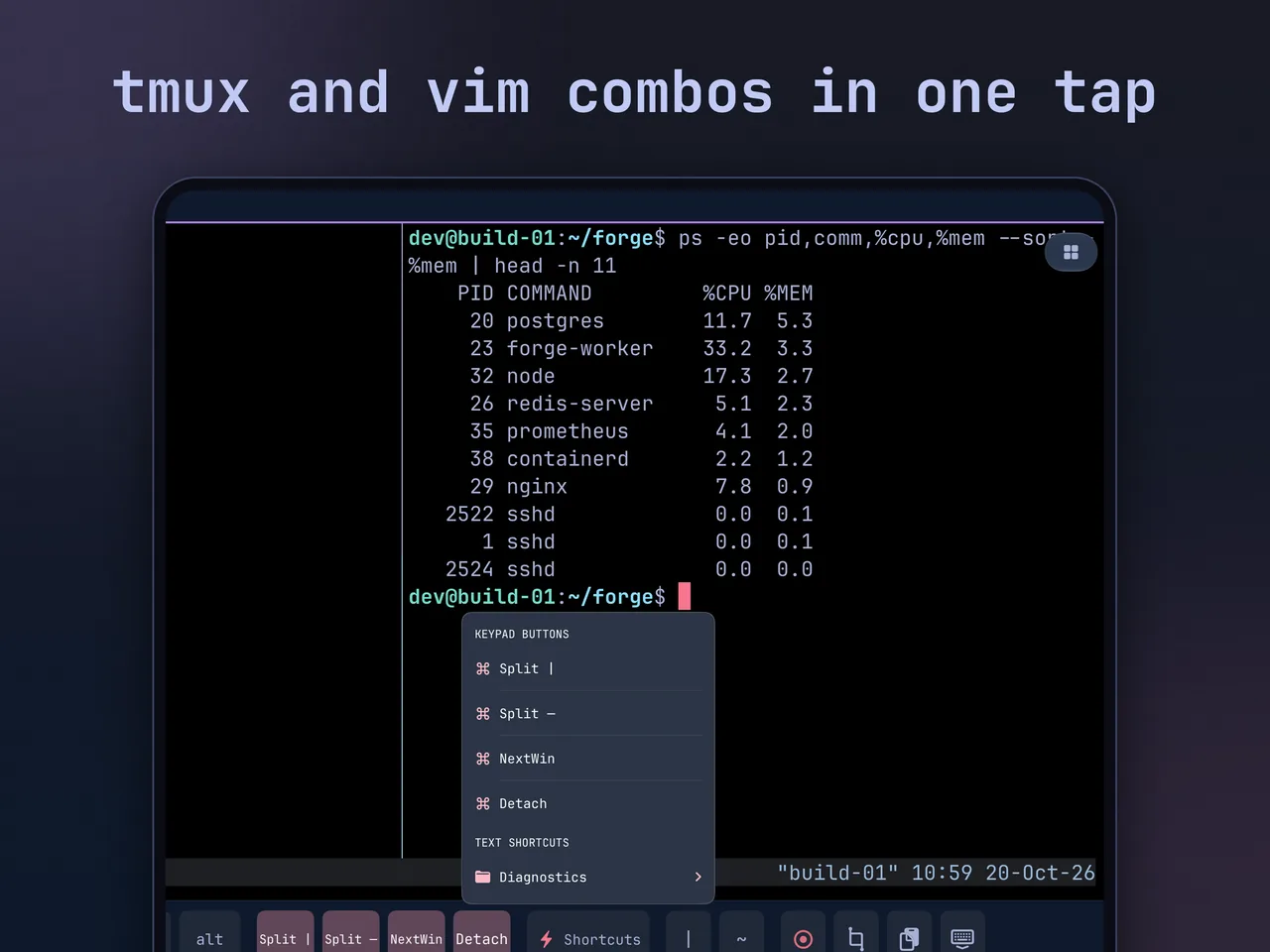
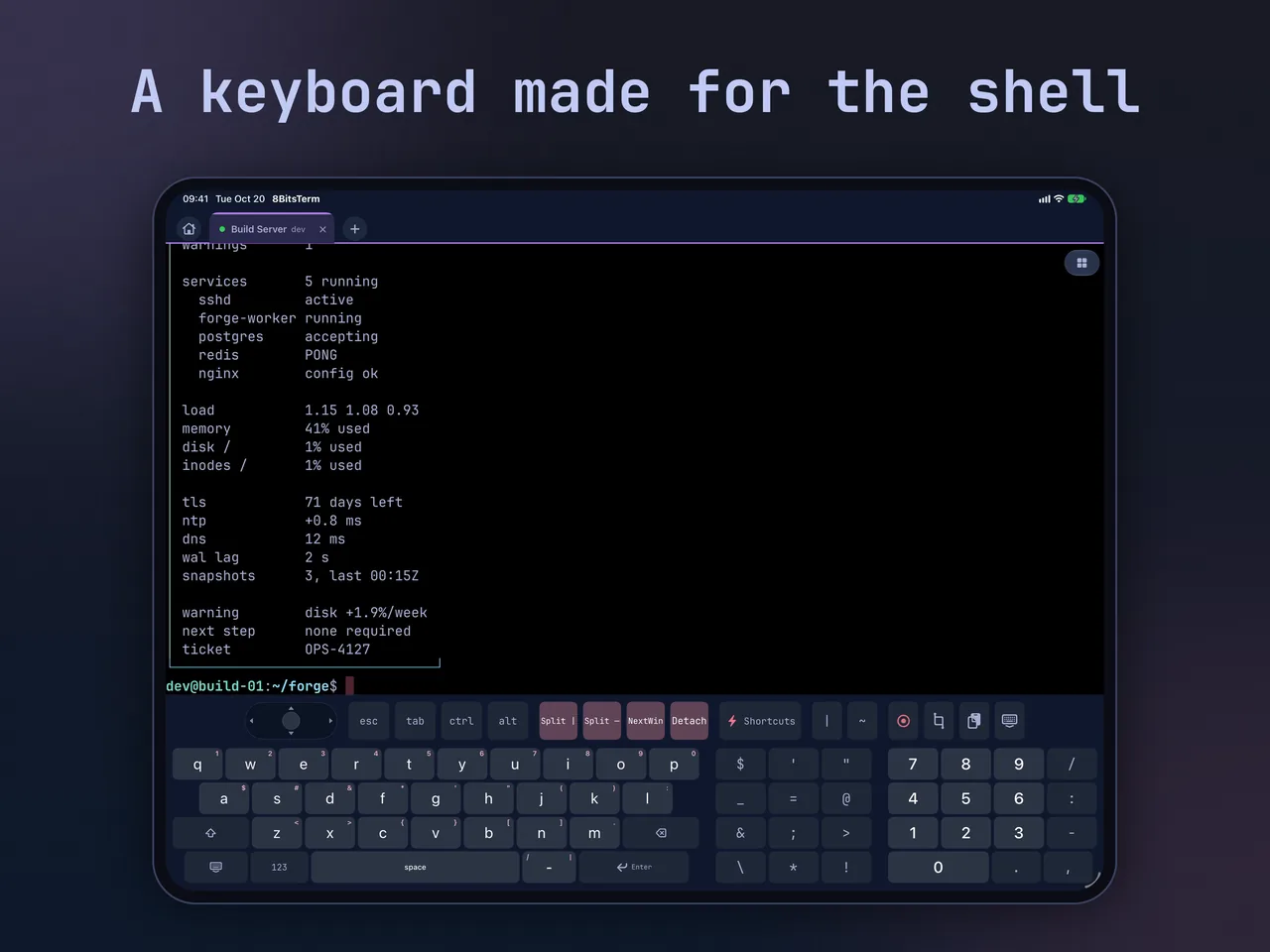
Tap Record before a build, a deploy, or a log check, then search the capture later and jump straight to the line you need. Manual Copy selects text from the shell or tmux history and copies it to the iOS clipboard.
Save reusable text as Snippets and paste it into any connected session. Text Shortcuts paste at the prompt without running anything, and Key Sequences send tmux, Screen, Emacs, and Vim combos in one tap.
A terminal key row with esc, tab, ctrl, alt, and an arrow joystick, plus one-tap Record, Manual Copy, and Paste. Wider screens add a number pad and symbols. Hardware keyboards work too.
Save and color-code hosts, or use Quick Connect with user@host or a pasted ssh command. Keep several live sessions open, and run an optional TCP or UDP knock sequence before the SSH connection begins.
Optional and off by default. Search your remote bash, zsh, and fish history together with your Text Shortcuts; choosing a result fills the command line without running it. Recall history stays on your device.
Passwords and Ed25519 keys live in Apple Keychain. Servers are remembered on first connection and changed host keys are held for review. App Lock adds an app password and Face ID; iCloud sync is optional and off by default.