Pick the dates. TripLog builds the trip.
Photo dates and embedded locations are analyzed on your device. Screenshots are left out, and real travel moments are grouped into a journey with cities, stops, transit, days, and active hours.
Travel journal / iPhone + iPad
 8BitsTripLog
 turns the photos already in your library into a private, living travel journal for iPhone, iPhone Duo, and iPad, with timelines, Time View films, Journey Replay, maps, Passport stamps, places, and weather.

Screens from a sample family’s logbook. The built-in Sample Journey, three days across southern England, lets you explore the timeline, Journey Replay, map, and Passport before granting access to your own library.
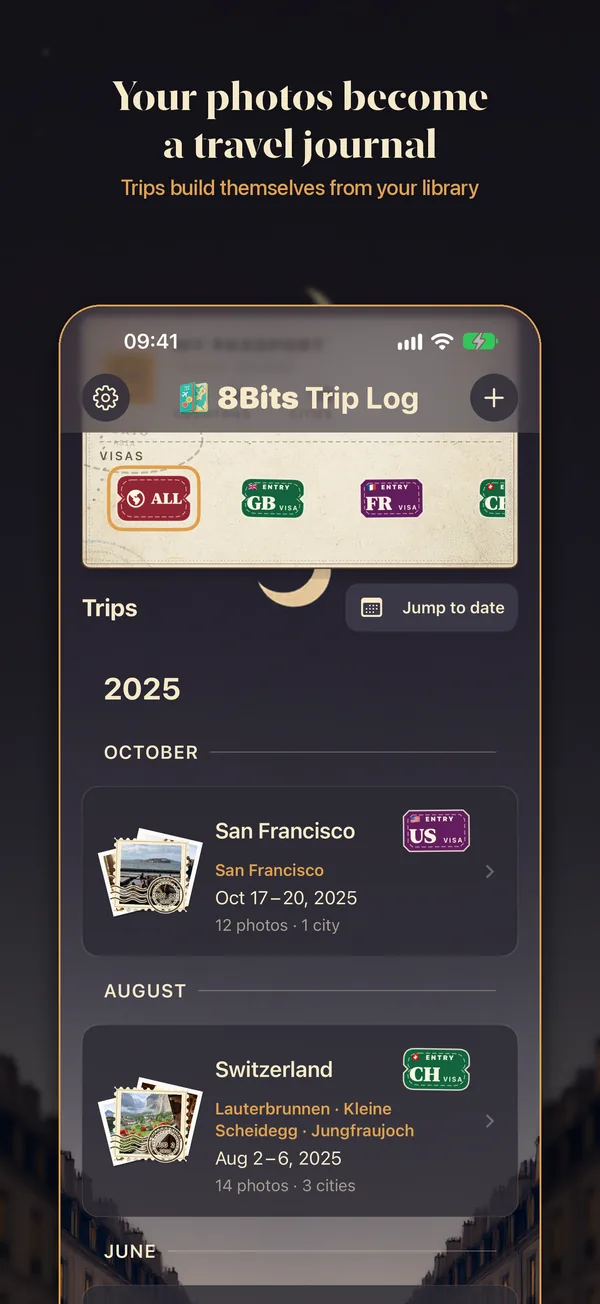
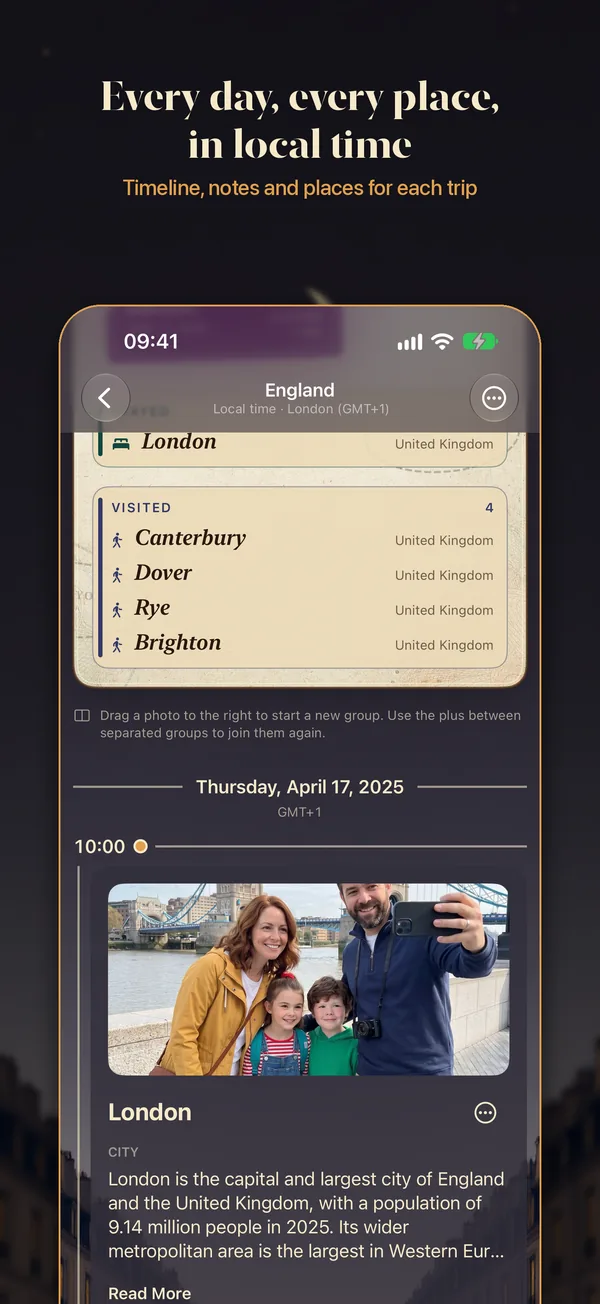
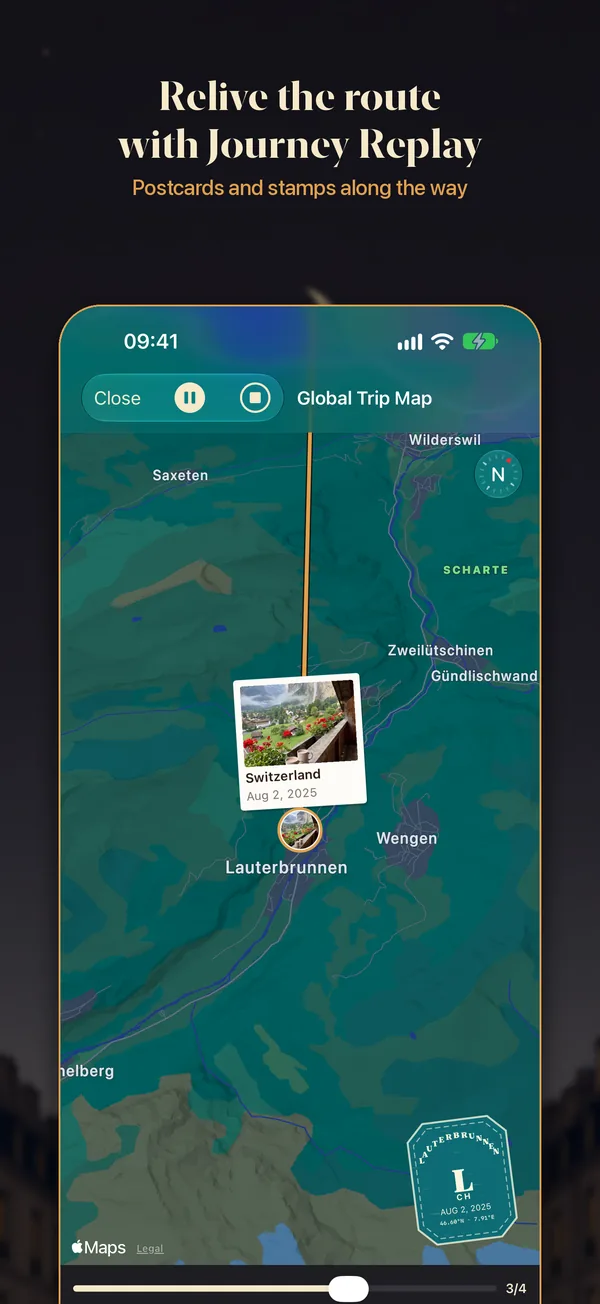
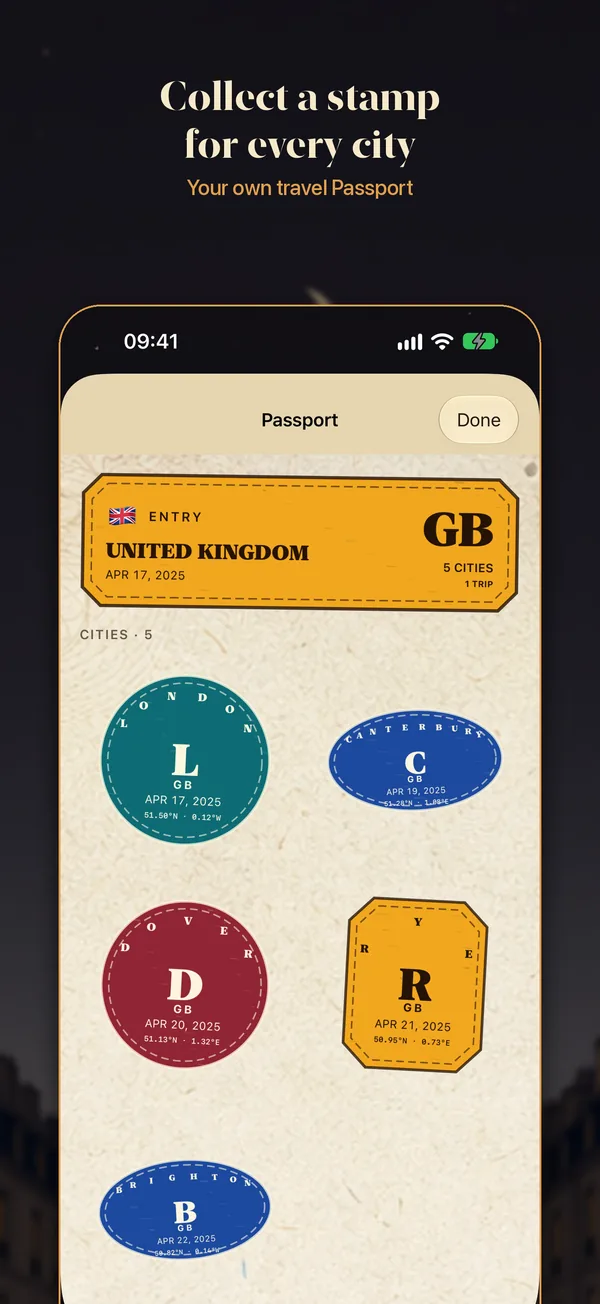
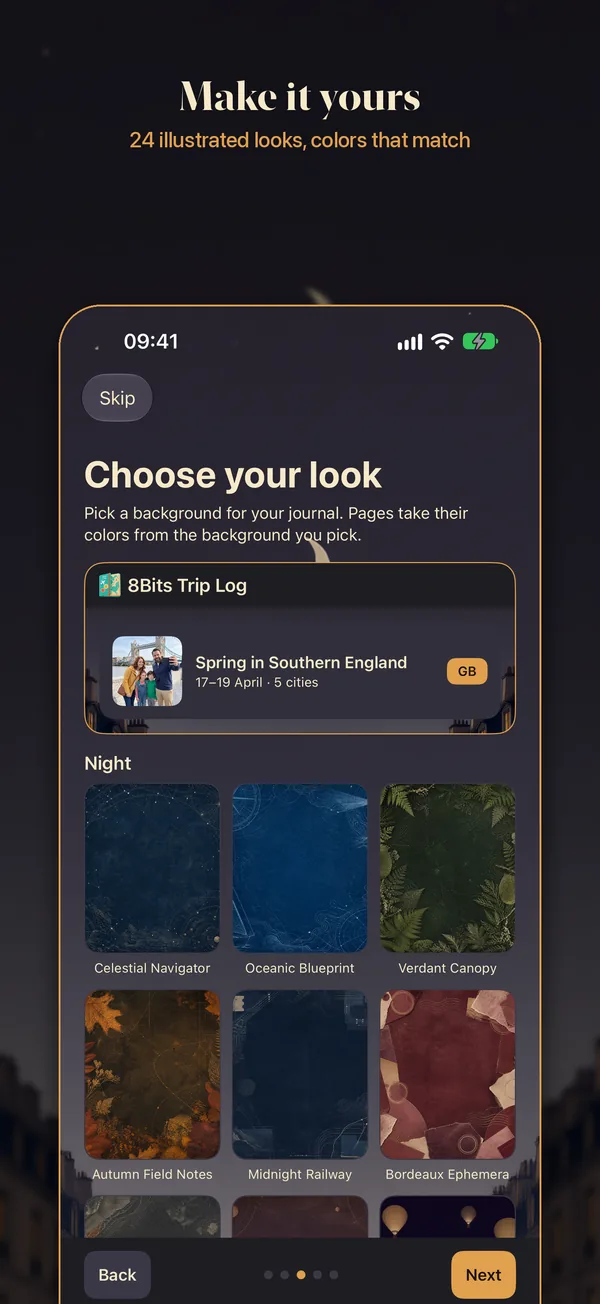
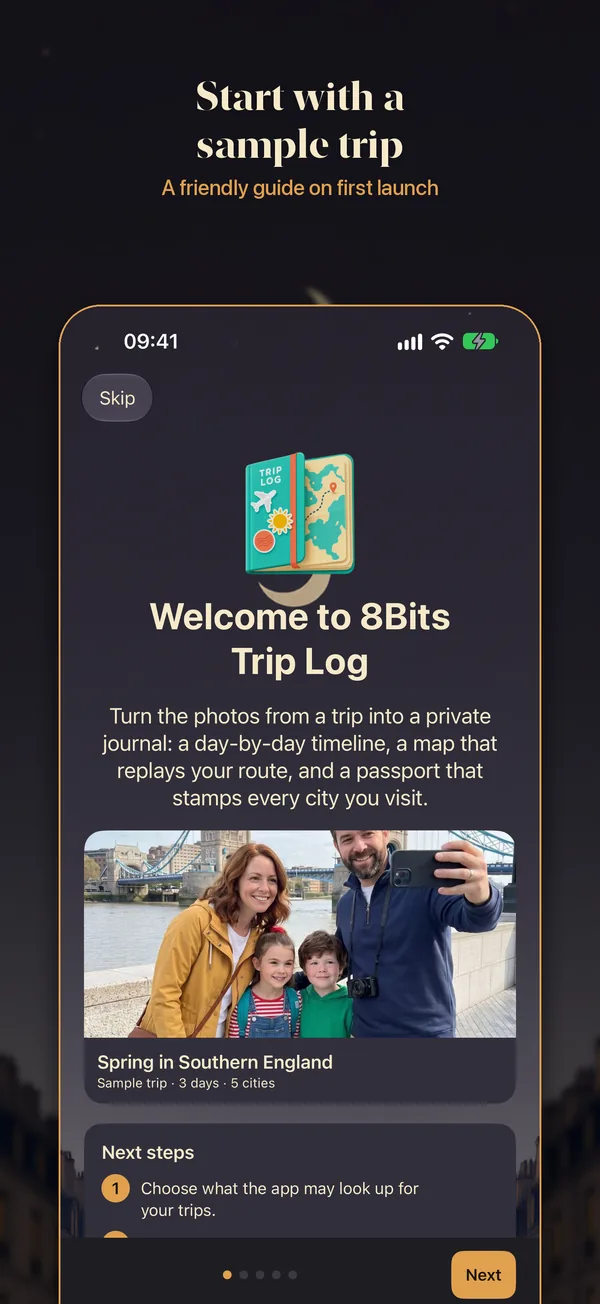
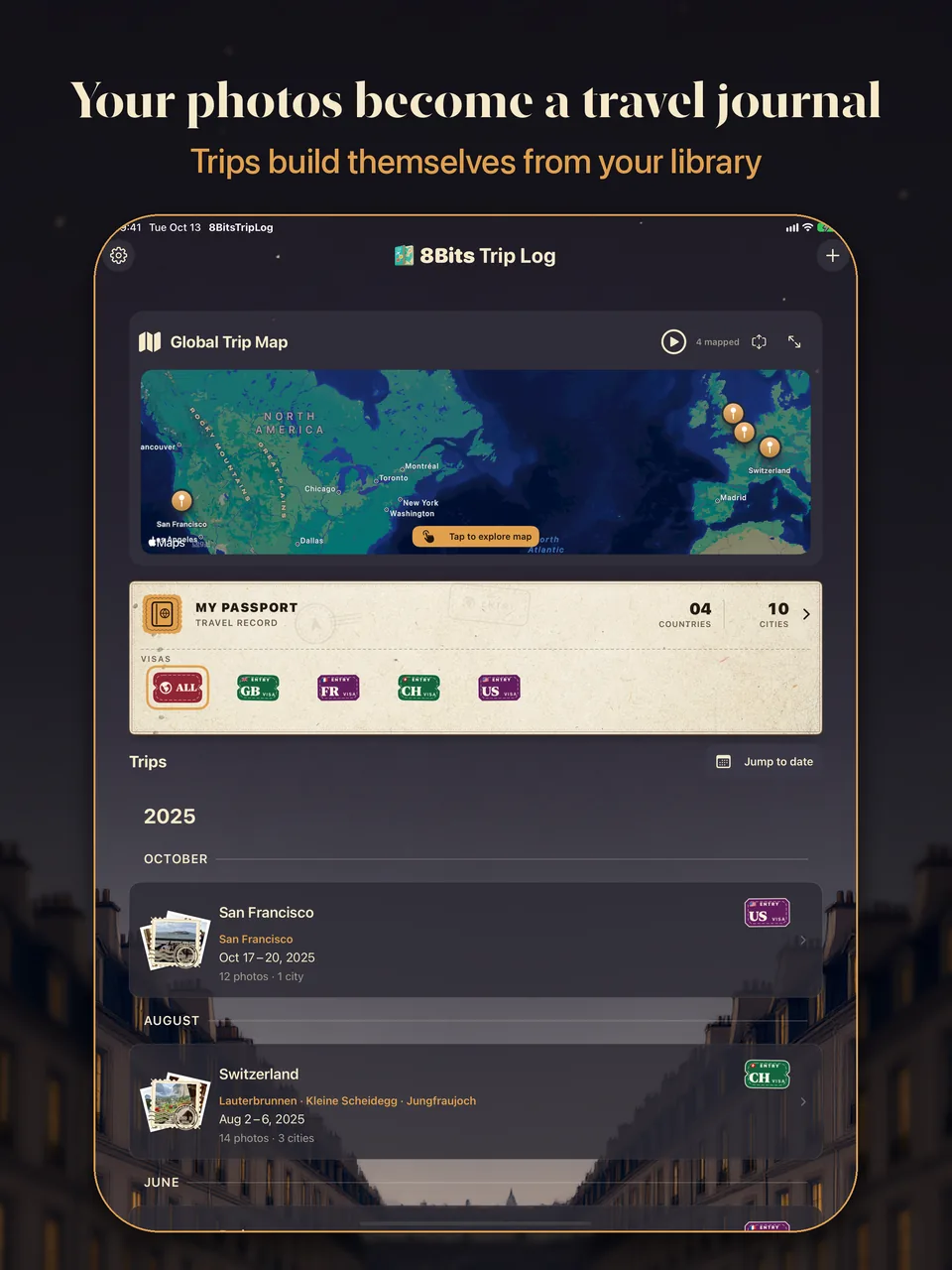
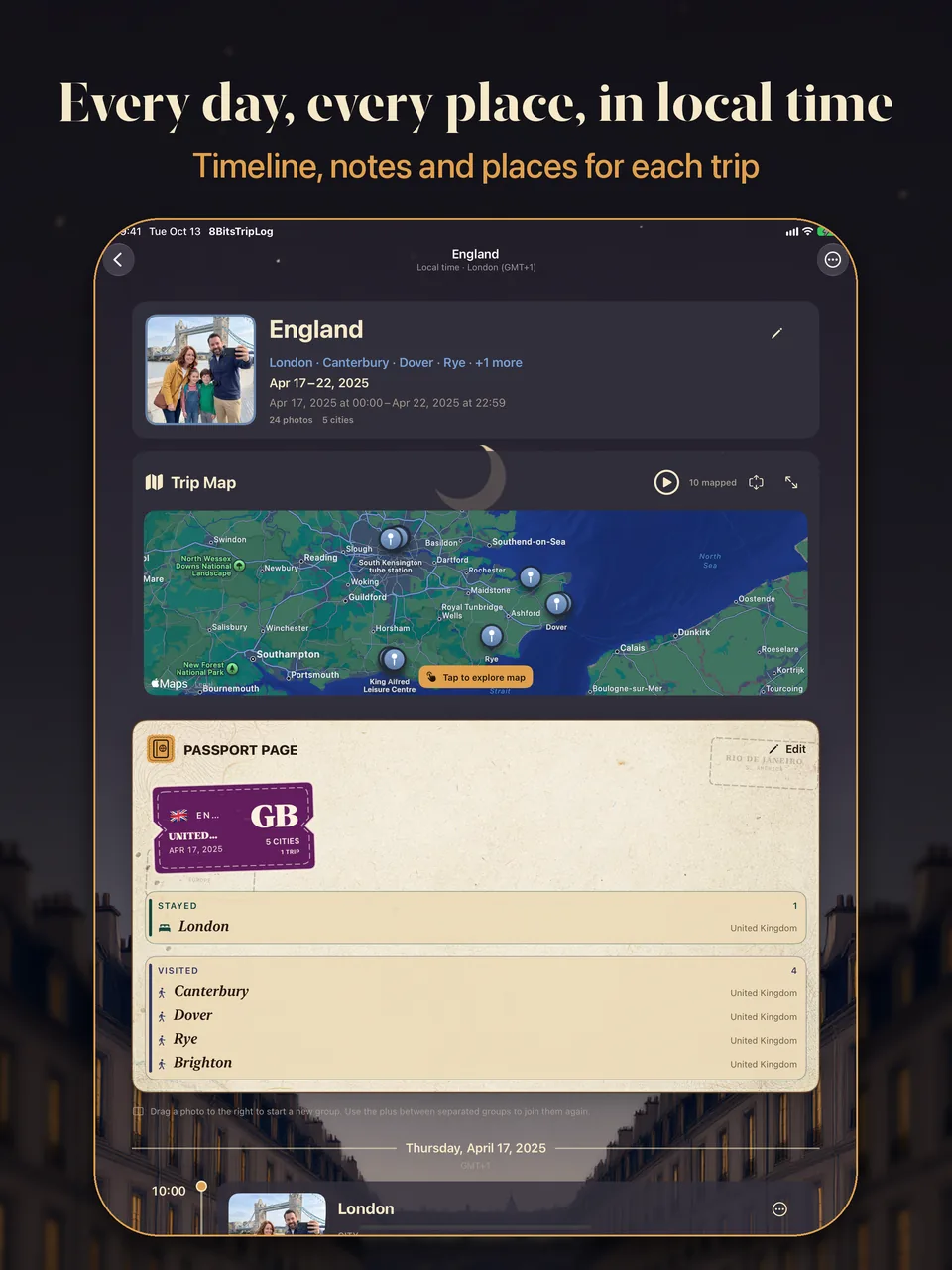
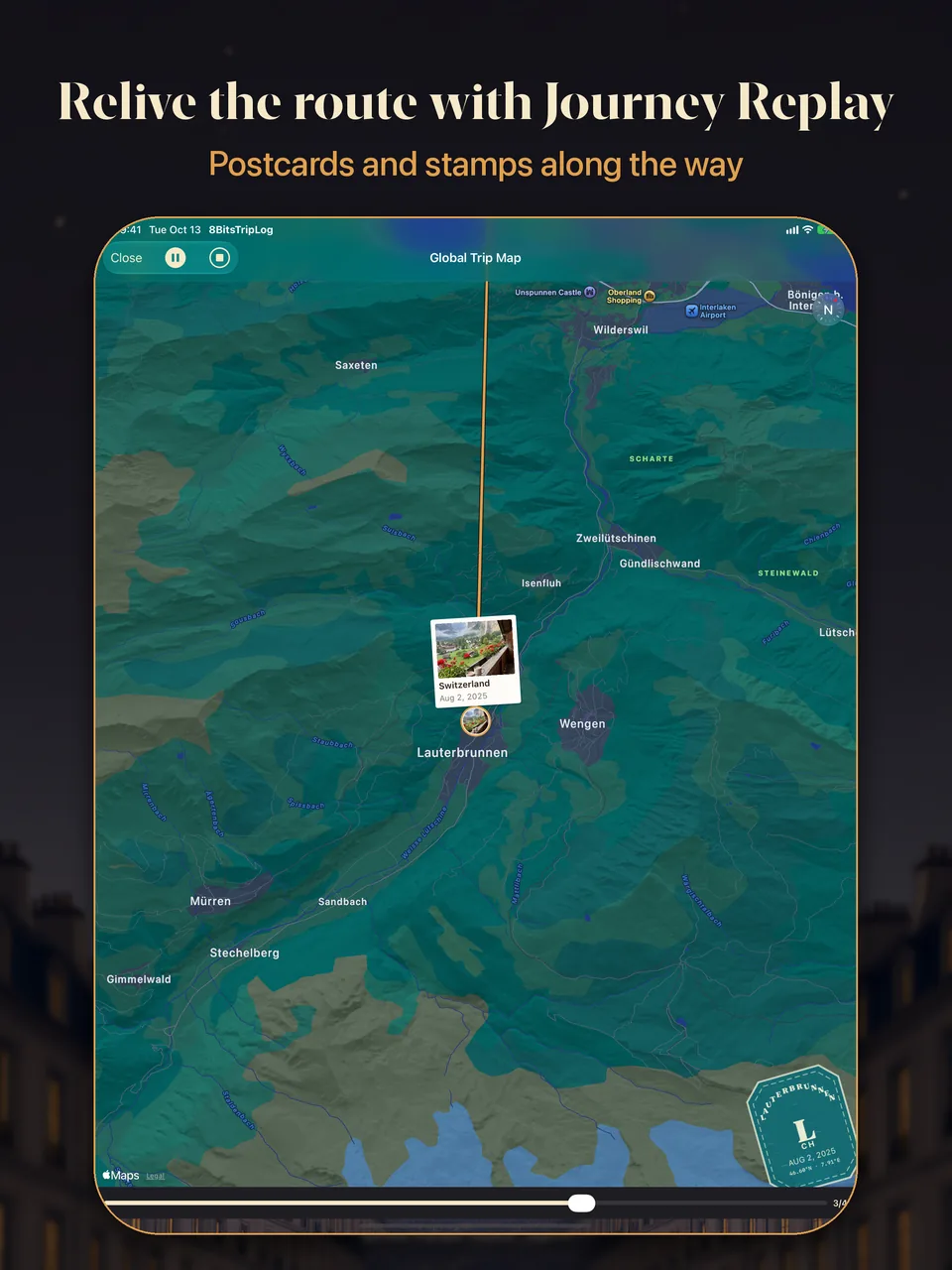
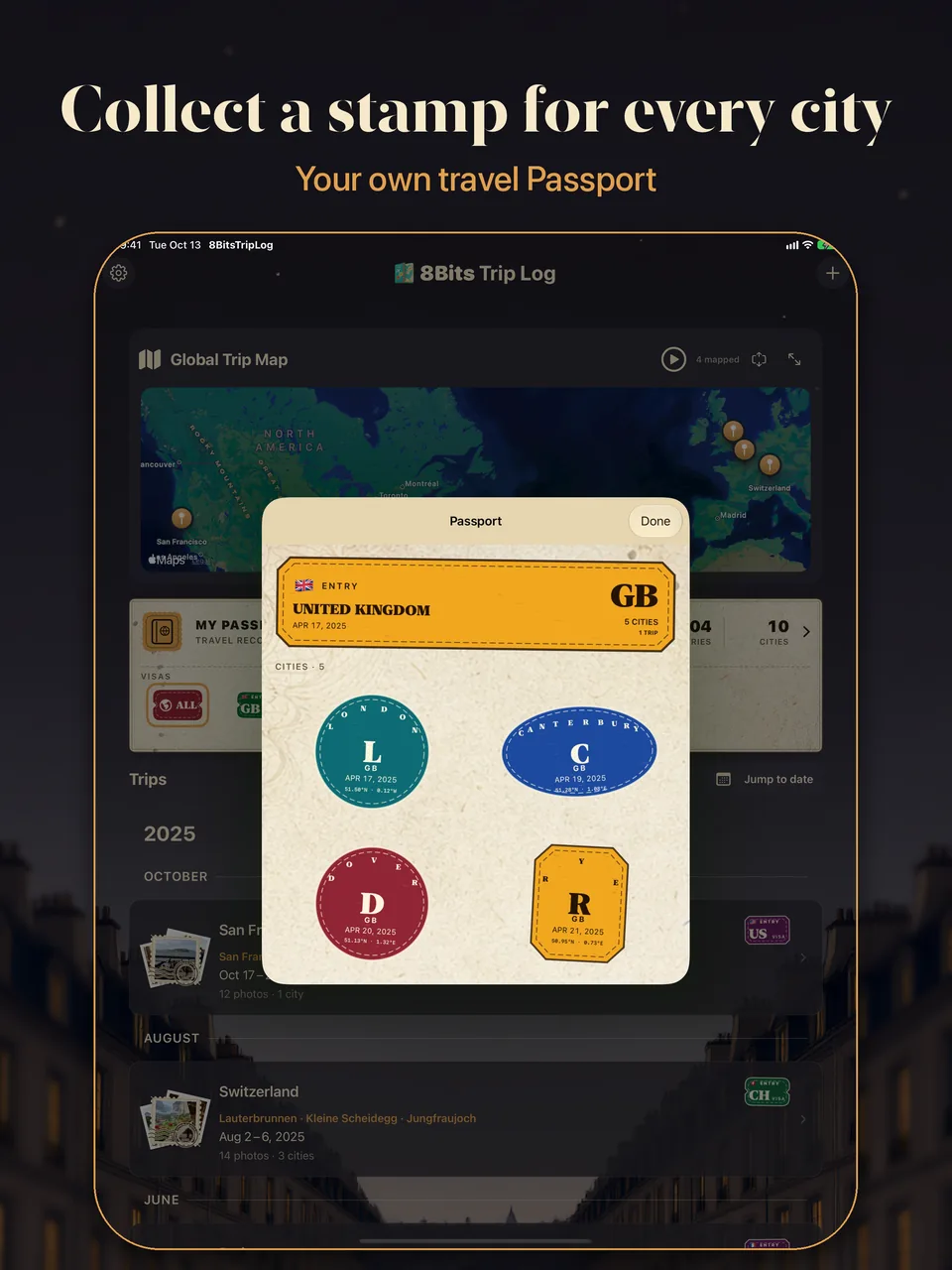
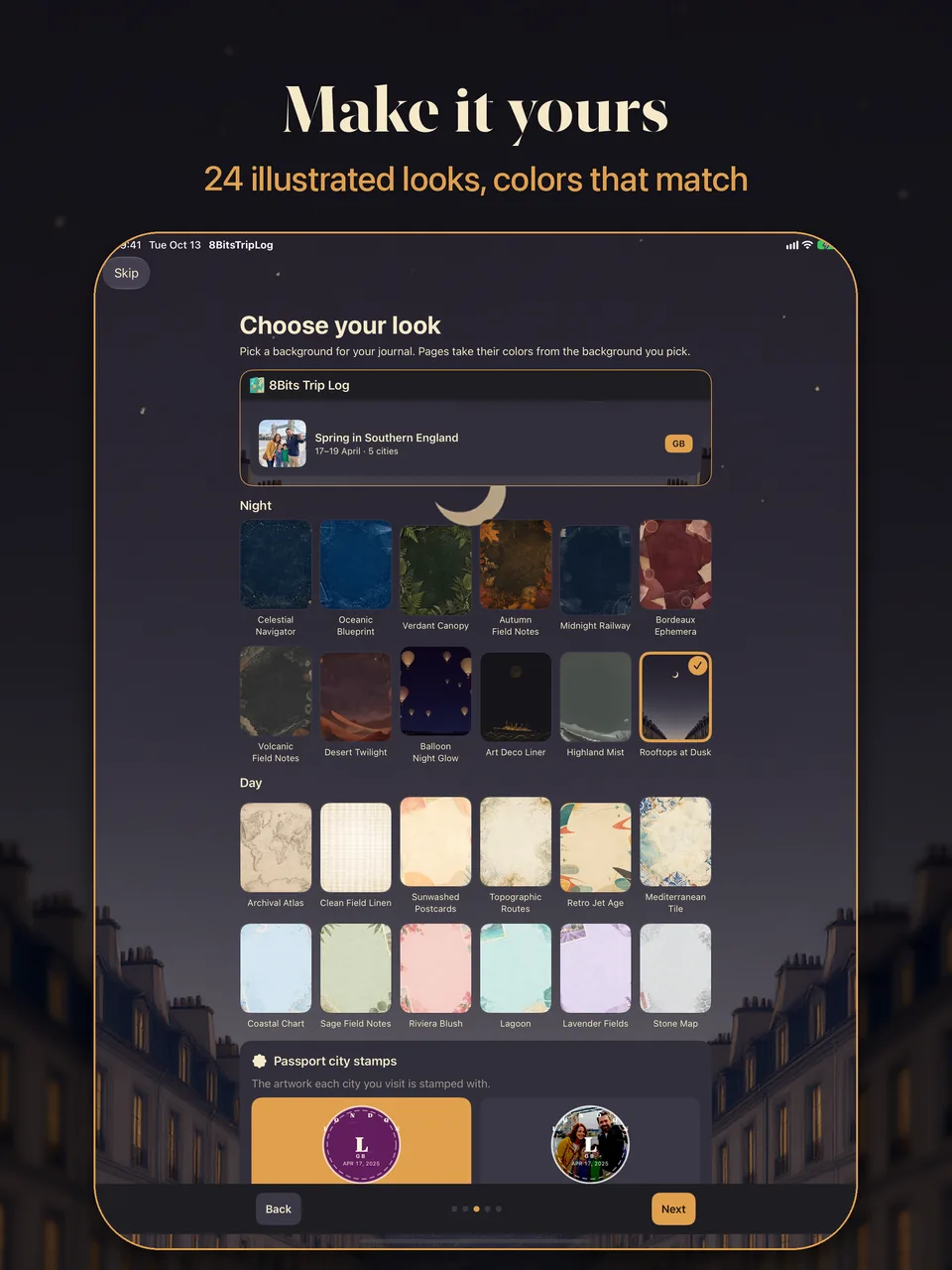
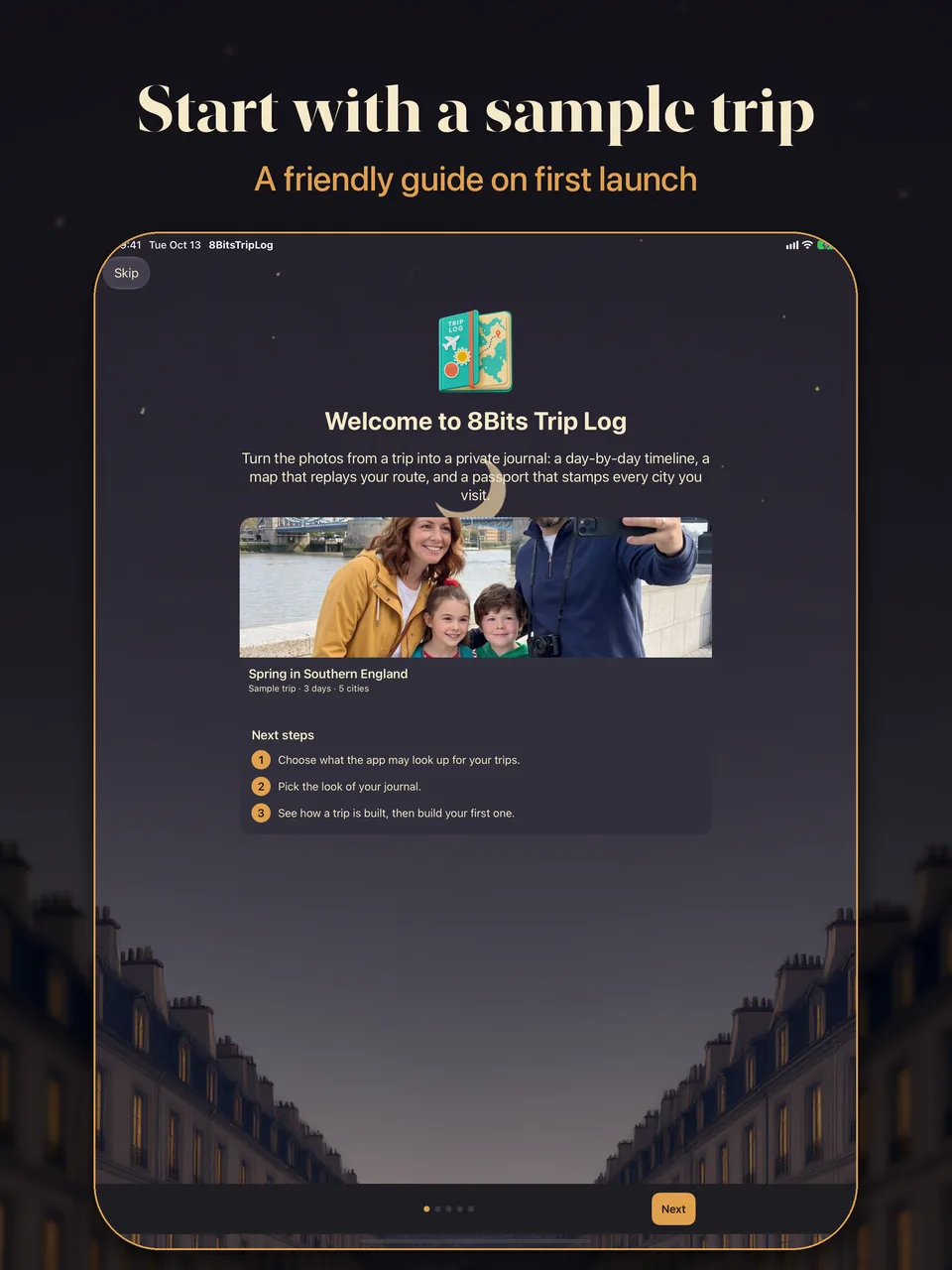
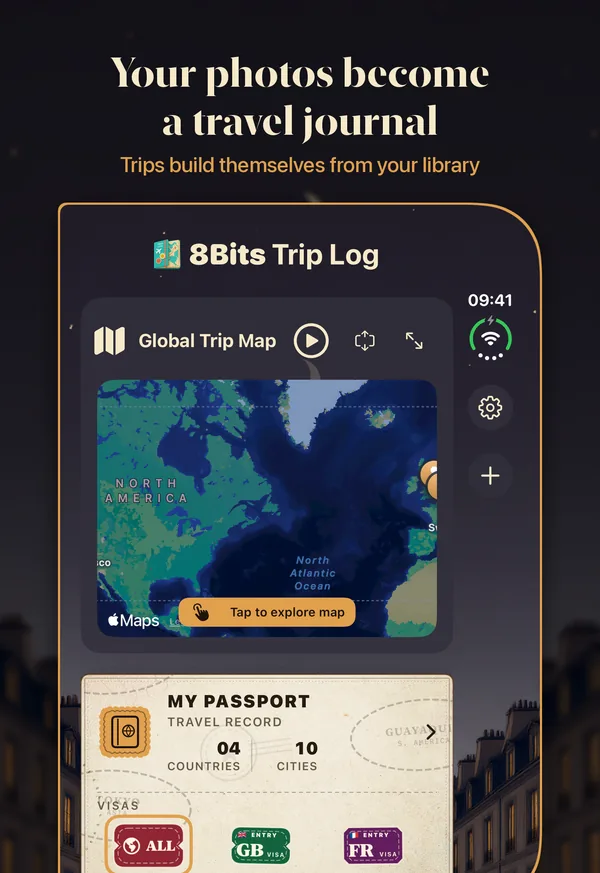
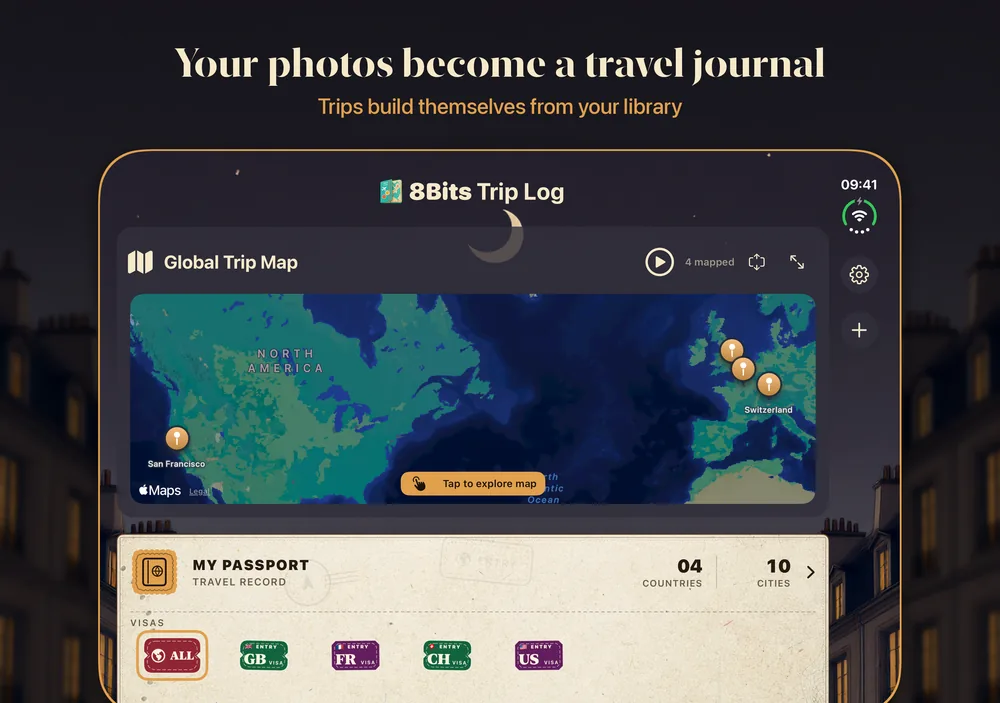
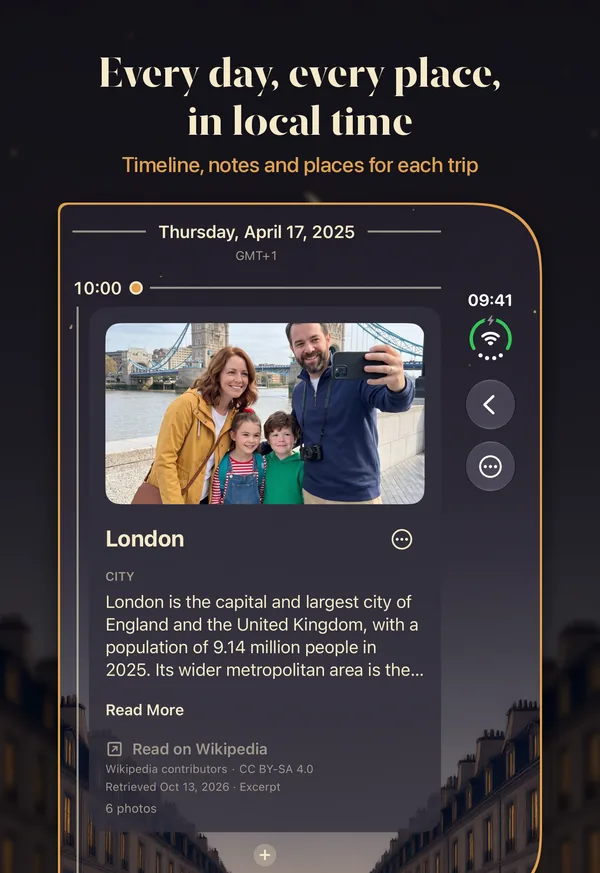
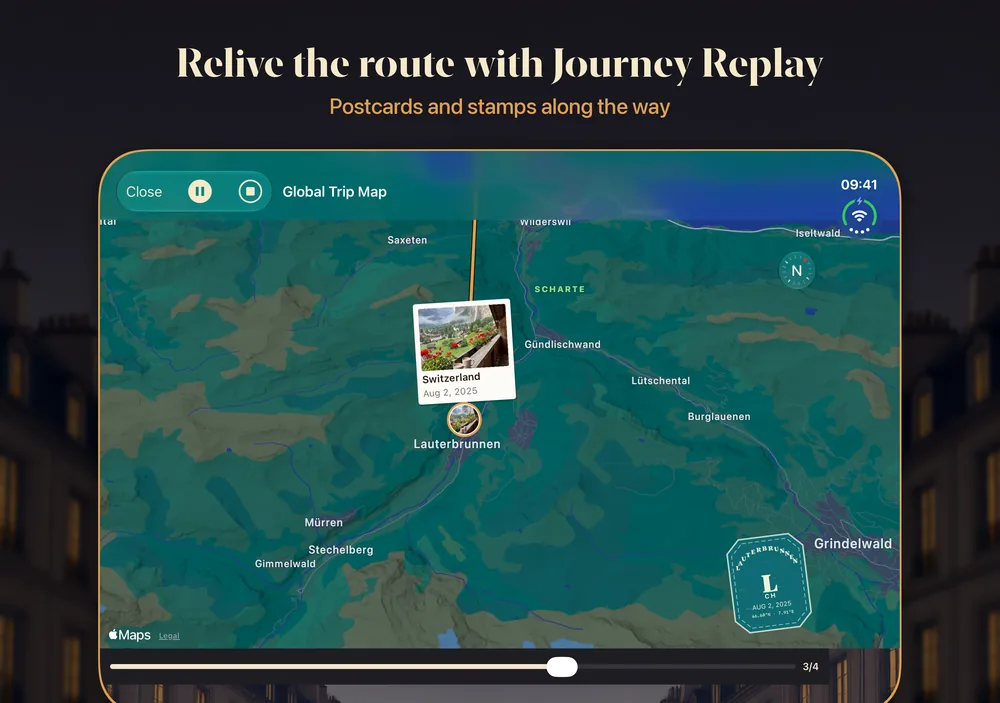
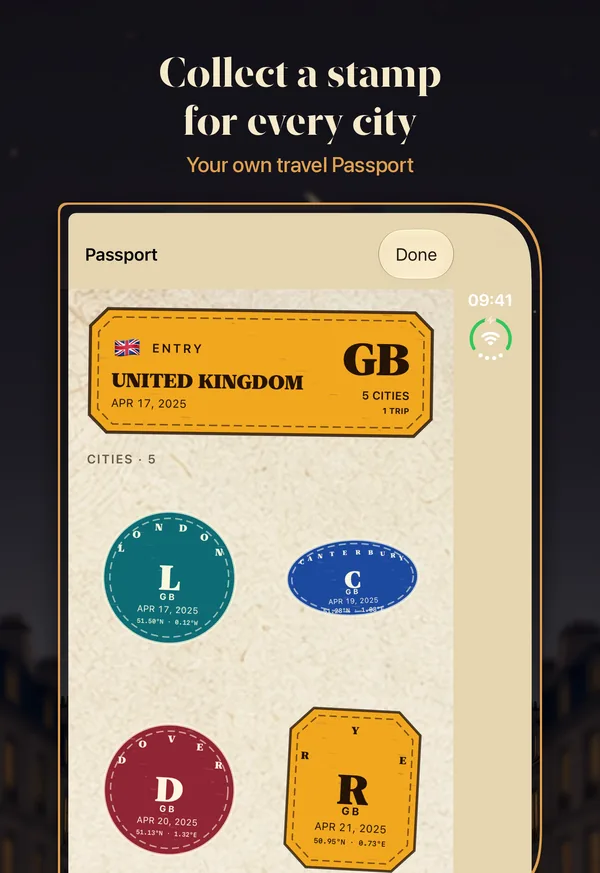
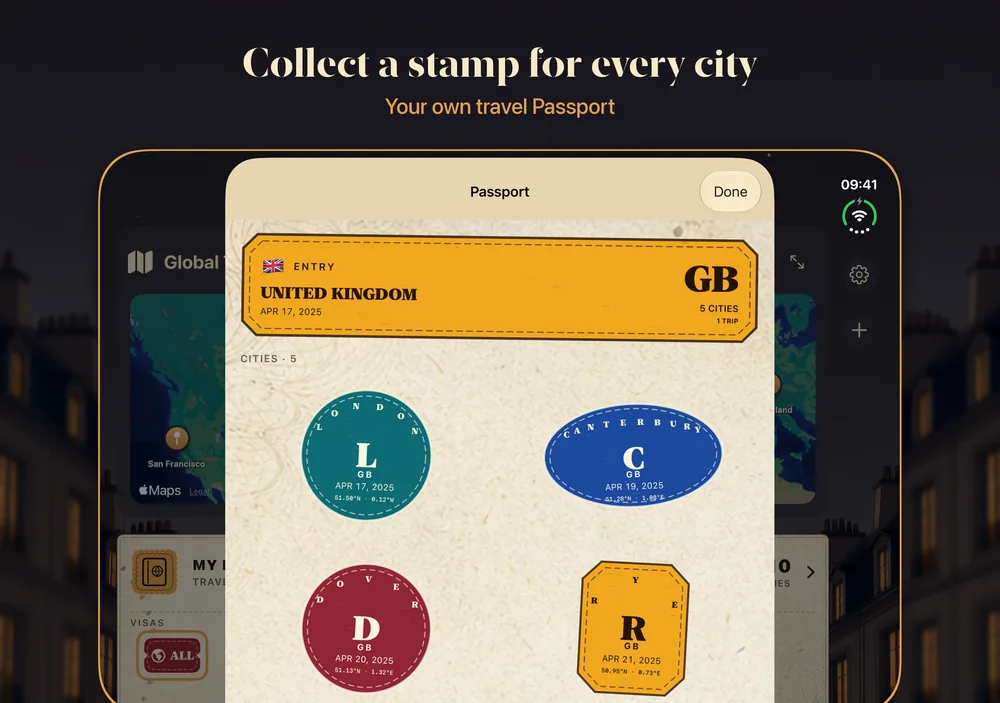
Photo dates and embedded locations are analyzed on your device. Screenshots are left out, and real travel moments are grouped into a journey with cities, stops, transit, days, and active hours.
Relive each journey through a chronological timeline of photos, places, maps, notes, and personal events. Every trip keeps the local time of the places you visited, so a Tokyo breakfast is still breakfast when you read it at home.
The map follows your route from stop to stop, walking, driving, and flying between cities, while your photos appear as postcards and each city earns its stamp. Replay a single trip or your whole logbook.
The map flies from stop to stop and draws each leg of the journey, place cards tell the story, your photos drift in, and the light moves from morning gold to evening blue. Choose one of eight built-in soundtracks for each trip.
Packing lists, plans, and homecoming notes get their own place, up to 15 days on either side of the trip, alongside the notes and events in your timeline.
Confirm the cities that belong and collect postal-style stamps for cities and countries, in typographic or photo-linocut style. Revisit earlier trips directly from a Passport entry.
Apple Places and Wikipedia add real names for the landmarks and spots you visited, with short facts right in your timeline. Historical Weather shows each day’s conditions where you were.
From sunlit coastal charts to rooftops at dusk. Match Background colors every page to suit the background you pick, or choose one of 14 named themes.